
Job application autofill: how to fill out applications faster without sending garbage
Job application autofill does one thing: it takes the facts you have already written down once, in your resume or a profile, and puts them into the fields of an application form so you do not type them a fortieth time. Done well it turns a twenty-minute form into a two-minute check. Done badly it sends an application with another company's name in the cover letter, the wrong resume attached and "Select one" still sitting in the work authorisation dropdown. The difference is knowing which parts of a form a tool can read, which parts it has to guess at, and which parts are yours whatever the tool says.
Why the form asks you to type what you just uploaded
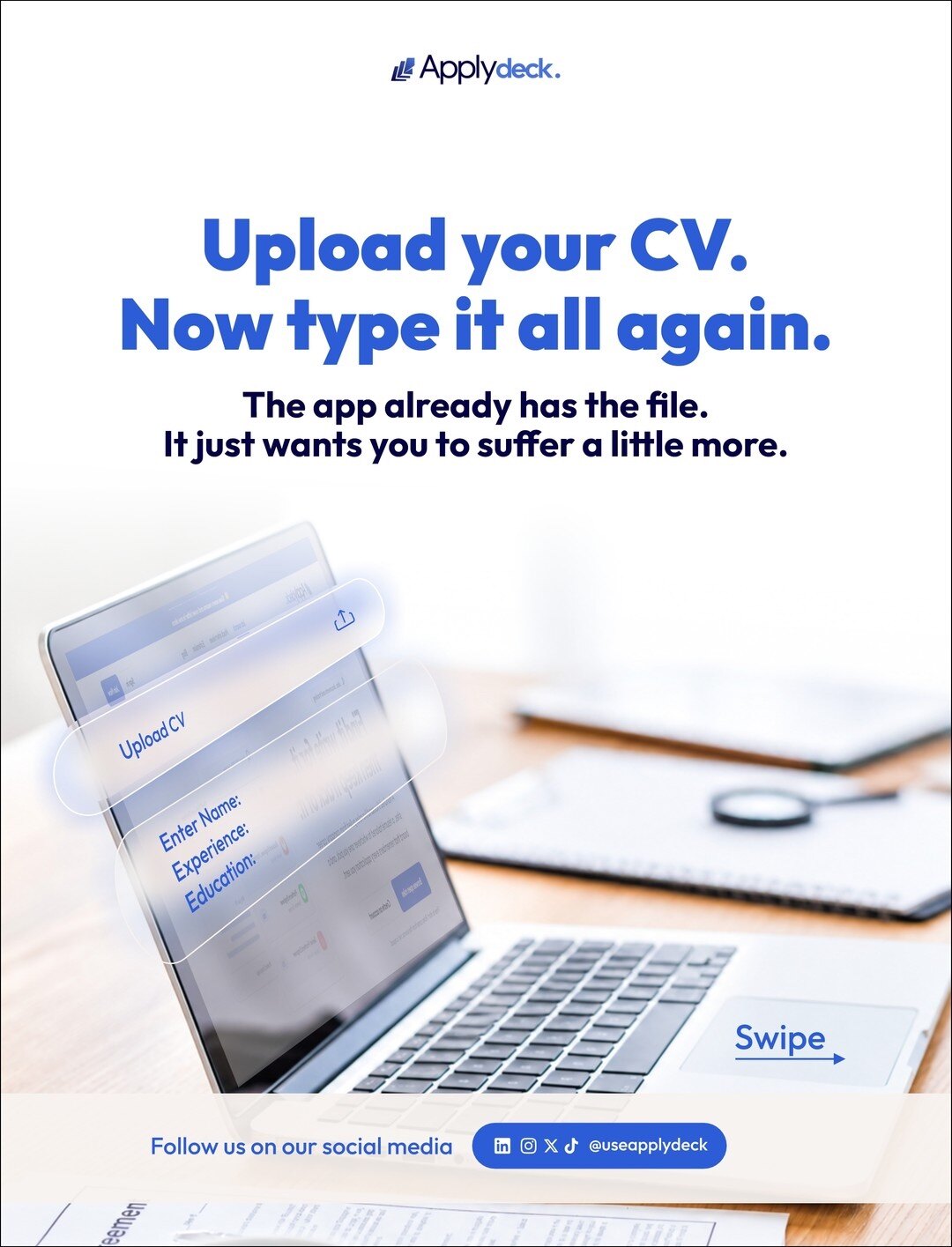
It feels like a joke, and it is partly a design failure, but there is a reason. The applicant tracking system behind the form stores your application as fields, because fields are what a recruiter can filter and sort. Your resume is a document, and extracting fields from a document is unreliable: a parser will read a two-column layout out of order, lose a date, or file your job title under your employer. Rather than trust the parse, most systems ask you to type the facts in yourself, and treat the file you uploaded as an attachment.
So every company runs its own copy of the same twenty questions, in its own order, with its own dropdown options. Greenhouse, Lever, Ashby and Workable each lay the form out differently; Workday asks you to create an account first. None of them can see what you typed into the last one. That repetition is the entire problem autofill exists to solve.
What autofill can read, and what it has to guess
Not every field is the same kind of problem, and the tools that work treat them differently.
Plain text fields are reliable. Name, email, phone, city, LinkedIn URL, the employer and title for each job, the school and degree. These have one right answer and it is already in your profile. A good tool gets these right every time, and if it does not, stop using it.
Dropdowns need mapping, not typing. "Country", "Are you authorised to work in the UK?", "How did you hear about us?" and "Years of experience" each have a fixed list of options, written differently on every form. The tool has to match your answer to the nearest option, and it will sometimes miss. These are the fields to look at before you submit.
File uploads need the right file. The field accepts anything; the risk is attaching the generic resume when you tailored one for this role an hour ago.
Extra employer questions need writing. "Why do you want to work here?", "Describe a project you are proud of", "What would you do in your first ninety days?" These are not autofill. A tool can draft an answer from your profile, and a good draft saves real time, but the answer is a piece of writing addressed to this company and you read it before it goes.
Demographic and equal-opportunity questions are optional. They are your choice, they do not feed the hiring decision, and a tool should leave them for you rather than pick.
Where autofill sends garbage
The failures are predictable, which is the good news. Every one of these is a thing you can check in a few seconds.
The wrong resume. You have three versions and the tool picked the one it saw first. Read the attachment name before submitting, and keep your tailored files named after the company so a mistake is visible.
Another company's answers. The "why this company" paragraph you wrote last week, pasted into this week's form with the old name still in it. This is the single most common way autofill embarrasses people, and recruiters mention it unprompted.
Dates in the wrong shape. A form that wants MM/YYYY handed 03-2021, or a start date later than the end date because the fields were read in the wrong order. Scan the work history once.
A dropdown left on its default. "Select one" in the work authorisation field reads as "did not answer", and some systems filter on it.
A field filled with the literal placeholder. "[Company]" or "[Role]" in a cover letter is a template that never got finished, and it goes out more often than you would think.
A workflow that is fast and still yours
The order matters more than the tool. Done in this sequence, autofill removes the typing and leaves you with the parts that were always worth doing by hand.
Keep one complete profile. Every job, with dates, titles and three results each; every school; your links; your standard answers to the questions every form asks. This is the source autofill draws from, so a gap here is a gap on every application.
Tailor the resume first, then open the form. The file you attach should already be the one for this role. How to tailor your resume to a job description is the fifteen-minute version.
Let the tool fill the facts. Contact details, history, education, links. Do not retype anything that has one right answer.
Write, or edit, the extra questions. If the tool drafted them from your profile, read the draft as the hiring manager would. Fix the name of the company, add the one specific thing you know about them, cut anything you could not say out loud in the interview.
Check the three failure points. Attachment, dropdowns, company name. Then press submit yourself.
That last step is not a formality. A tool that submits on your behalf is making a commitment in your name, and you want to be the one who looked at the page last.
A profile that autofill can actually use
Autofill is only as good as the profile behind it, and most profiles are written as a resume: good on history, silent on the questions every form asks. Spend half an hour once on the second half and every application after it gets shorter.
Dates for everything. Month and year for each job and each degree, so a form that wants MM/YYYY is never guessing. If a role was a contract, say so; forms ask.
The standard answers. Your notice period, your earliest start date, whether you need visa sponsorship in each country you would work in, whether you would relocate, your salary expectation as a range. These five questions appear, in some form, on most applications, and a profile that holds the answers is what turns them into a dropdown pick.
Links that resolve. LinkedIn, portfolio, GitHub or whatever your field uses, pasted as full URLs. A tool cannot fill a field with a link you never wrote down.
Three results per role, not three duties. The extra questions get drafted from these. "Managed the team" gives a tool nothing to write with; "took the release cycle from monthly to weekly" gives it a paragraph.
One phone number, one email, one spelling of your name. It sounds trivial until a recruiter searches the system for you and finds two of you.
Autofill should remove the typing, not the reading. The twenty minutes you save are for the two questions that were worth twenty minutes.
What the Applydeck extension does with this
This is the workflow the Applydeck Chrome extension is built around. It docks beside the application form on a company's own site, counts the fields, and fills them from your profile, extra employer questions included, drafted from what your profile already says. It attaches the resume that fits the role rather than the first one it finds, and scores the role against your profile before you apply so you can see whether it is worth the application at all. You read the form and press submit. It is on the Chrome Web Store, and it needs no sign-in to the employer's system beyond what you would do anyway.
Questions people ask
Does autofill work on Workday forms?
Workday asks you to create an account with each employer before you reach the form, and no tool removes that step. Once you are in, the fields are ordinary fields and behave like any other form, with more dropdowns than most. Expect to check the work authorisation and "how did you hear about us" answers by hand.
Will an employer know I used autofill?
No. The system receives the same fields it would have received if you had typed them, and nothing in the submission says how they got there. What an employer notices is wrong answers, and those come from unchecked autofill, not from autofill itself.
Should I let a tool answer "Why do you want to work here?"
Let it draft. Do not let it send. A draft built from your profile gets the structure and your relevant experience onto the page in seconds; what it cannot know is the specific reason this company is on your list, and that sentence is the one the reader is looking for. Add it yourself.
If you want the sending handled as well as the typing, that is a different tool with different trade-offs. Auto-apply for jobs: how AI application tools work, and when they hurt you goes through them.
Comments
Loading comments…
Leave a comment
Held for moderation before it appears.
Keep reading

How many jobs should you apply to a day?
Twenty applications sent, inbox checked forty times. The number that matters is not how many you send. It is how many you send to roles you fit, with a resume that says so.